SpiderFolio
For users
Required reading
Ask departments or people to read a current document, confirm “I have read and understood”, reminders and compliance.
What it’s for
A required reading asks a department or a person to read the current version of a controlled document and confirm it with I have read and understood. That way you know who read each version, who didn’t, and who doesn’t even have access.
Who can request it
Anyone whose role has the Request reads capability, and heads and deputies within their area. Readings can only be requested for documents with a published version.
Request a reading
- Open the document’s Document control (on a page, from More actions; on a file, from its menu).
- In the Required reading section, click Request reading.
- Choose Department (and check Include subareas if subdepartments should read it too) or Person.
- Optionally, set a Due date (optional).
- Click Request reading. Each person gets a notification (“You must read “…””).
If someone in scope doesn’t have access to the document, SpiderFolio warns you before and after (“3 people don’t have access to this document”): they won’t be able to read or confirm it until they do. If you manage the document’s access, Give them read access gives them the View level with the same scope as the reading; otherwise, ask whoever manages it.
To remove a requested reading, use the remove button next to the department or person.
Confirm a reading
If you were asked to read a document, you’ll see it in My documents › To read, in My to-dos on Home and in the document’s own Required reading section (“You must read and confirm version 3.”).
- Open the document and read it.
- Click I have read and understood.
Only you can confirm your reading: nobody does it for someone else. If the version changed since the one you read, you’ll see the Reason for the change and What changed since version …, which you read, so you only read what’s new.
On the shop floor, people who sign in with a username and PIN on a tablet go straight to the documents they need to read, and their session closes once they confirm.
New versions
When a new version is published, whoever publishes it decides whether to request a new reading (it’s checked by default):
- With a new reading: everyone who had to read the previous version must read the new one, due 7 days after publication.
- Without a new reading (minor change): previous readings remain valid.
Reminders
- Automatic: at 8:00 in the company’s time zone, people who haven’t confirmed get a notification 3 days before the due date, on the due date and once a week after it’s overdue. Seven days after it’s overdue, the head of their department is notified too.
- Manual: in compliance, Remind notifies one person and Remind everyone who hasn’t read it notifies everyone pending. Each person gets at most one manual reminder per day.
Compliance
The document’s Required reading section shows the summary (“12 read · 3 pending · 1 without access · 0 overdue”), and View compliance opens the per-person detail, with each status (Read, Pending, Overdue, No access), a status filter and Export CSV. The export is recorded in the audit log.
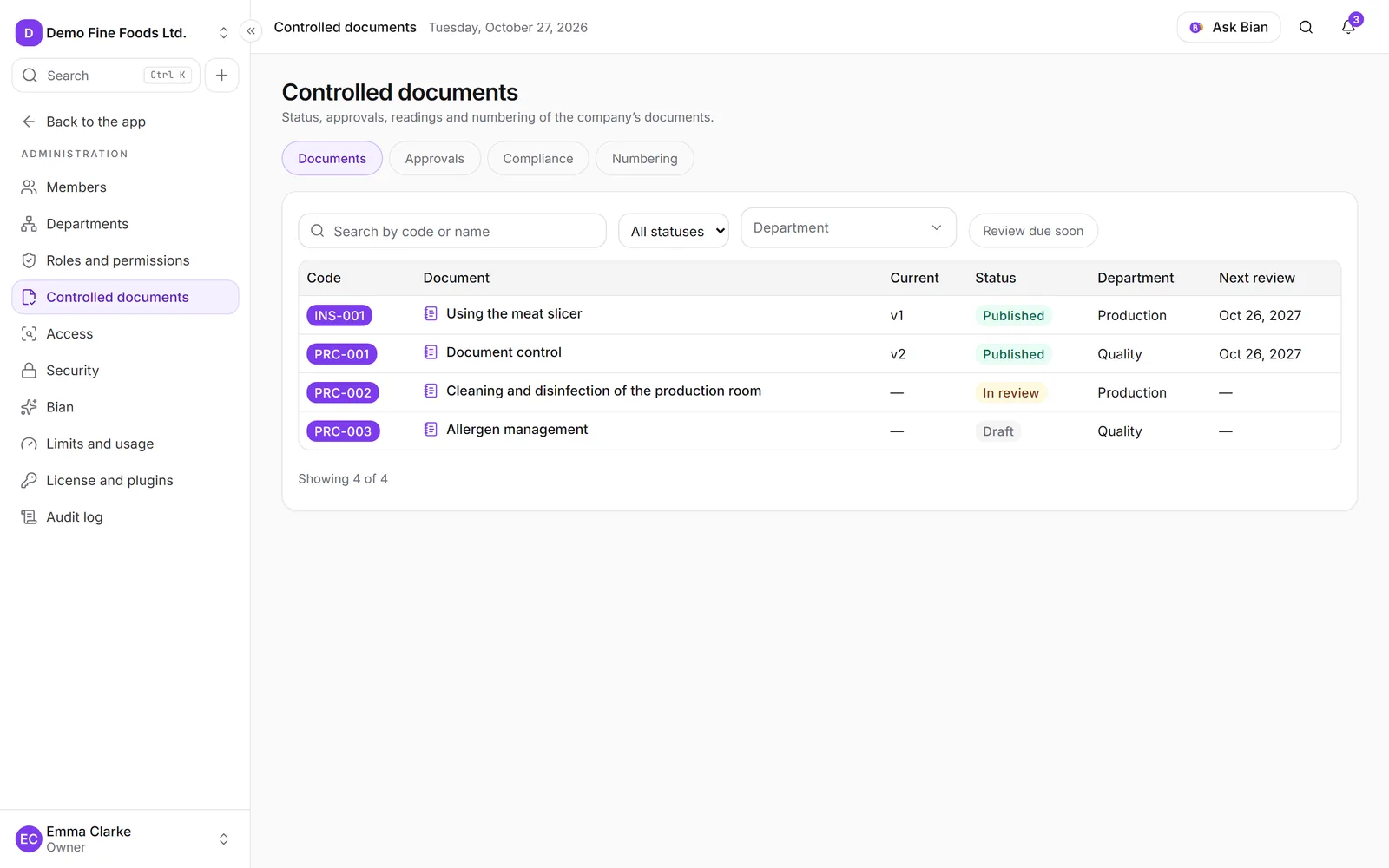
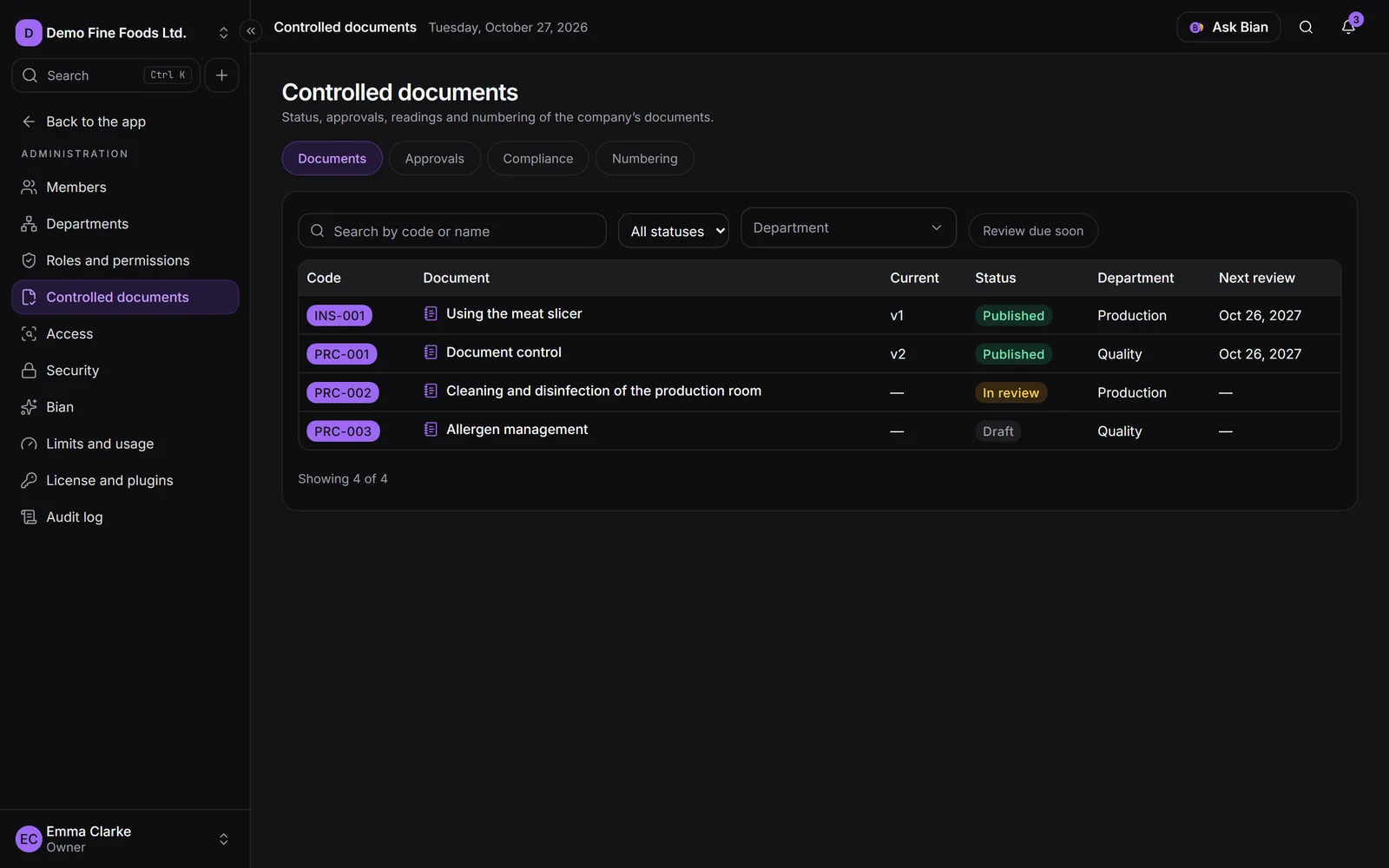
To see all documents at once, go to Administration › Controlled documents › Compliance, by document or by department. Heads also see the Reading compliance in your area card on Home.