 SpiderFolio
Get started
Configuration
Every variable in deploy/.env explained by section: what's required, how to generate the secrets and what each option turns on.
All of SpiderFolio’s configuration lives in a single file, deploy/.env, which you create by copying
deploy/.env.example. The API and the worker read and validate it on startup: if a required variable
is missing or badly formatted, the API doesn’t start and the log names the variable (never its value).
Ground rules
-
Never commit
.envto a repository or share it over chat. Keep its permissions at600(chmod 600 .env). -
Keep a safe copy of
.envoff the server: it holds the keys that encrypt two-step verification and each company’s SMTP password. -
An empty value, or one made only of spaces, counts as not set.
-
After changing
.env, recreate the containers so they read it:docker compose up -d --force-recreate app worker
Generate the secrets
openssl rand -base64 48   # JWT_ACCESS_SECRET (64 characters)
openssl rand -base64 32   # EMAIL_ENCRYPTION_KEY
openssl rand -base64 32   # MFA_ENCRYPTION_KEY
Run each command separately and use a different value for each variable. The two 32-byte keys must be different from each other: if they’re the same, the API doesn’t start.
Address
| Variable | Required | What it’s for |
|---|---|---|
APP_URL |
Yes | The public URL people use to reach the app, for example https://docs.your-company.com. Used in email links, CORS and download URLs. With the https profile: https:// + DOMAIN. |
WEB_URL |
Yes | The informational website that emails link to. It can be the same as APP_URL. |
DOMAIN |
With the https profile |
The domain Caddy requests the certificate for, without https://. It needs a DNS A record (and AAAA if you use IPv6) pointing to the server. |
HTTP_BIND |
No (127.0.0.1) |
Address the app is published on without Caddy. 127.0.0.1 = the server only (the usual choice behind a proxy). 0.0.0.0 exposes it on every interface. |
HTTP_PORT |
No (8080) |
Port the app is published on without Caddy. |
TRUST_PROXY_HOPS |
No (1) |
How many proxies sit in front of the app. 1 behind Caddy or your own proxy; 0 if the app is exposed directly. With a CDN in front of your proxy, 2. Maximum 5. |
TRUST_PROXY_HOPS matters: it tells the app each person’s real IP address, which is used for sign-in
attempt limits and the audit log. Set it higher than the real number and someone could spoof their IP;
set it lower and everyone appears to come from the proxy’s IP. More in
Proxy and HTTPS.
Database
| Variable | Required | What it’s for |
|---|---|---|
POSTGRES_USER |
No (spiderfolio) |
PostgreSQL user. |
POSTGRES_PASSWORD |
Yes | PostgreSQL password. Use a long, random one. |
POSTGRES_DB |
No (spiderfolio) |
Database name. |
The database has no public port: only the app and the worker can reach it. docker compose builds the
connection string (DATABASE_URL) from these three values; you don’t need to write it.
Secrets and sessions
| Variable | Required | What it’s for |
|---|---|---|
JWT_ACCESS_SECRET |
Yes | Signs sessions and local-disk download URLs. At least 64 characters. |
JWT_ACCESS_TTL |
No (15m) |
How long the short session lasts before it renews itself. A number followed by s, m or h. |
REFRESH_TTL_DAYS |
No (30) |
Days a session lasts without typing the password again (1 to 365). |
EMAIL_ENCRYPTION_KEY |
Yes | Encrypts each company’s own SMTP password. 32 bytes in base64. |
MFA_ENCRYPTION_KEY |
Yes | Encrypts the two-step verification secret. 32 bytes in base64, different from the previous one. |
Don’t change these keys once they’re in use. If you lose MFA_ENCRYPTION_KEY, nobody with two-step
verification turned on will be able to sign in again. If you lose EMAIL_ENCRYPTION_KEY, every company
will have to enter its own SMTP password again. That’s why they go into your
backups.
Email is required: it sends account verifications, invitations, password resets and notifications.
| Variable | Required | What it’s for |
|---|---|---|
SMTP_HOST |
Yes | SMTP server (for example smtp.your-provider.com). |
SMTP_PORT |
Yes (587) |
587 uses STARTTLS; 465, direct TLS. |
SMTP_USER, SMTP_PASS |
Depends on your server | Username and password. Leave them empty if your server doesn’t require authentication. |
MAIL_FROM |
Yes | Sender, in quotes: "SpiderFolio <no-reply@your-domain.com>". It must be an address your SMTP server lets you send from. |
To keep emails out of spam, set up SPF and DKIM for the MAIL_FROM domain with your provider. Each
company can also send its own notifications through its own server: see
SMTP email.
Files
| Variable | Required | What it’s for |
|---|---|---|
STORAGE_DRIVER |
No (local) |
local: files go to the files Docker volume. s3: to an S3-compatible bucket (AWS, Cloudflare R2, MinIO…). |
S3_ENDPOINT |
With s3, except on AWS |
URL of the S3 service. Leave it empty on AWS. |
S3_REGION |
With s3 |
Bucket region (auto on R2). |
S3_FORCE_PATH_STYLE |
No (false) |
true for MinIO and other services that don’t support the bucket as a subdomain. |
S3_BUCKET |
With s3 |
Bucket for the files. |
S3_SYSTEM_BUCKET |
No | Bucket for generated ZIP downloads. Empty: <S3_BUCKET>-system. |
S3_ACCESS_KEY, S3_SECRET_KEY |
With s3 |
Credentials with access to both buckets. |
How to choose and how to set up the bucket: Storage.
Controlled document PDFs
| Variable | Required | What it’s for |
|---|---|---|
GOTENBERG_URL |
No | With the pdf profile: http://gotenberg:3000. Empty: the PDF of controlled pages isn’t generated. |
More in Gotenberg.
Bian, the AI assistant
| Variable | Required | What it’s for |
|---|---|---|
BIAN_ENABLED |
No (false) |
true turns Bian on for the installation. |
ANTHROPIC_API_KEY |
If BIAN_ENABLED=true |
Anthropic API key. Requests are billed to that account. |
With Bian on at server level, each company decides whether to use it and sets its monthly total and per-person limits: see Bian setup.
Plugins
| Variable | Required | What it’s for |
|---|---|---|
PLUGIN_PACKAGES |
No | npm packages of plugins already installed in the image, separated by commas (for example @company/plugin-a,@company/plugin-b). Up to 50. |
Plugins in the repository’s plugins/ folder are loaded automatically; you don’t need to list them.
Either way, you have to build the image with the plugin inside. Their migrations run automatically on
startup. Then each company’s owner loads the licence in Management › License and plugins.
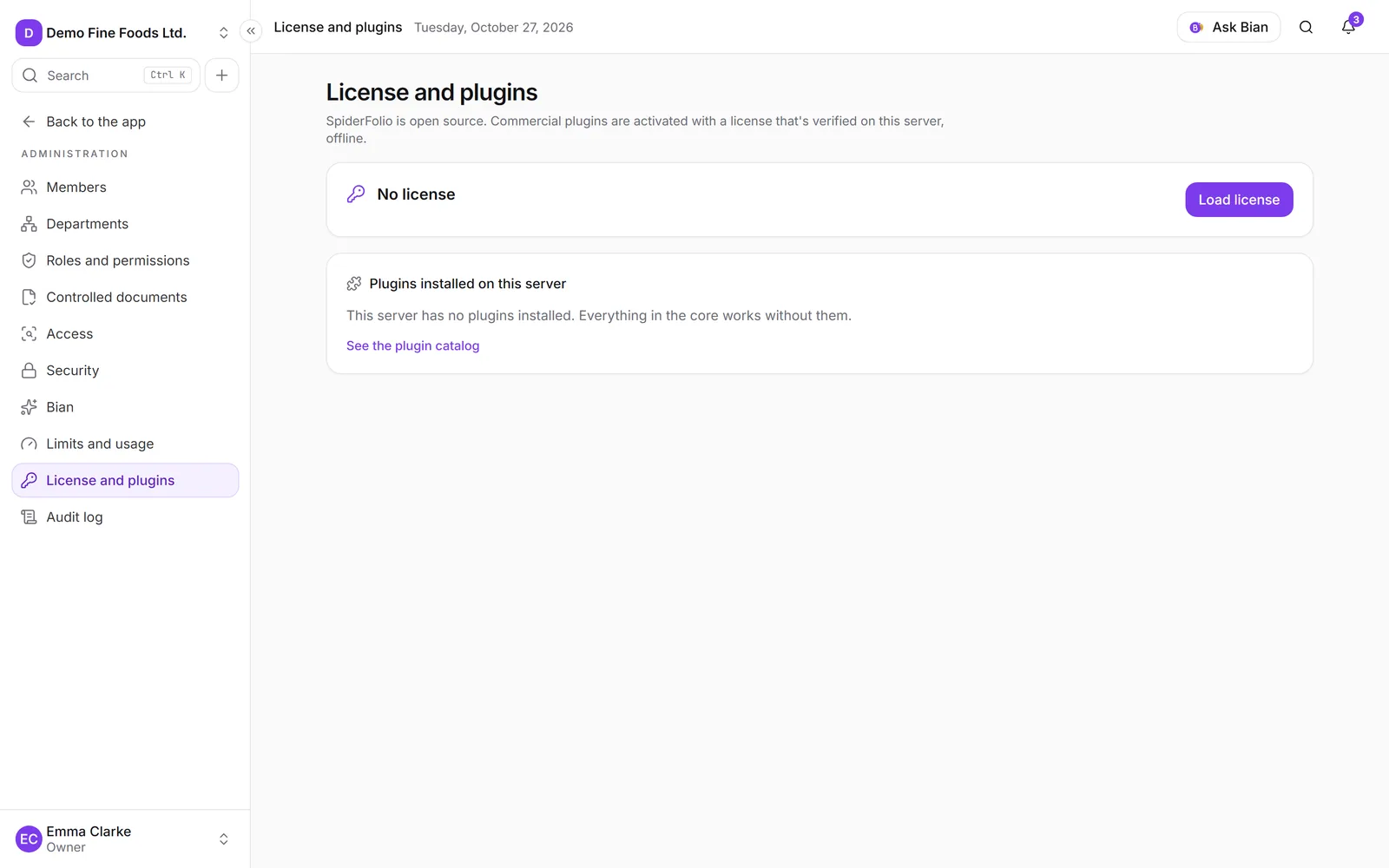
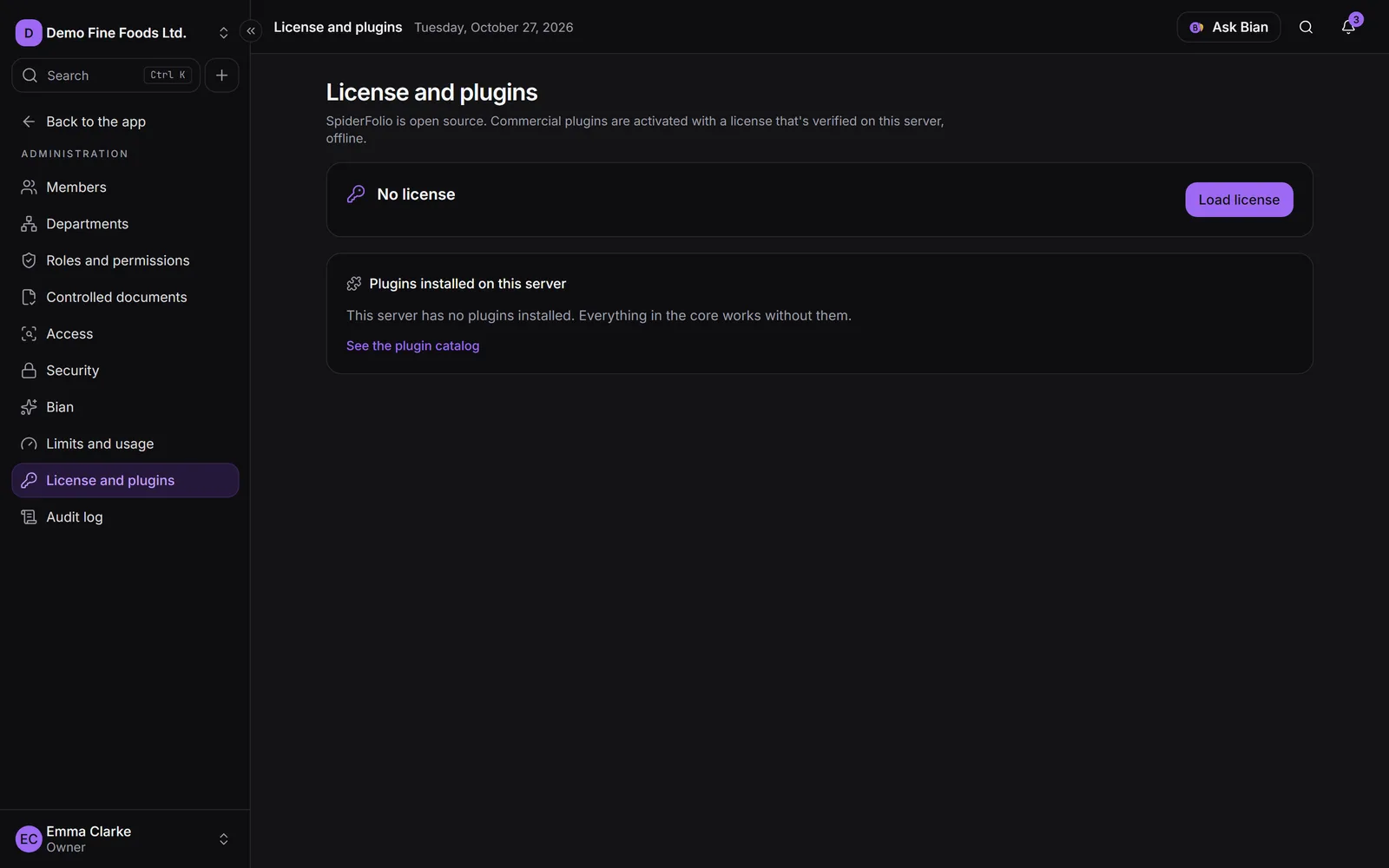
More in Licence and plugins and Create a plugin.
Monitoring and image
| Variable | Required | What it’s for |
|---|---|---|
SENTRY_DSN |
No | Sends application errors to a Sentry project. |
SPIDERFOLIO_IMAGE |
No | The Docker image. Defaults to ghcr.io/spiderjad/spiderfolio:latest. Pin it to a specific version to control when you update (Updates). |
Variables you don’t need to touch
deploy/compose.yaml already sets these, so any value you put in .env is ignored or unnecessary:
NODE_ENV=production, PORT=4000, DATABASE_URL (from the database variables) and
STORAGE_DIR=/data/files.
Other advanced options, not in .env.example:
TERMS_VERSION: current version of the Terms and the Privacy Policy. When you change it, everyone is asked to accept them again.PLUGINS_DIR: plugin folder; defaults toplugins/inside the image.EMAIL_ALLOW_PRIVATE_HOSTS: development only. Withtruein production, the API doesn’t start.