 SpiderFolio
For users
My documents
What you need to read, what's new in your area this week, your favorite spaces and what you opened last.
What it’s for
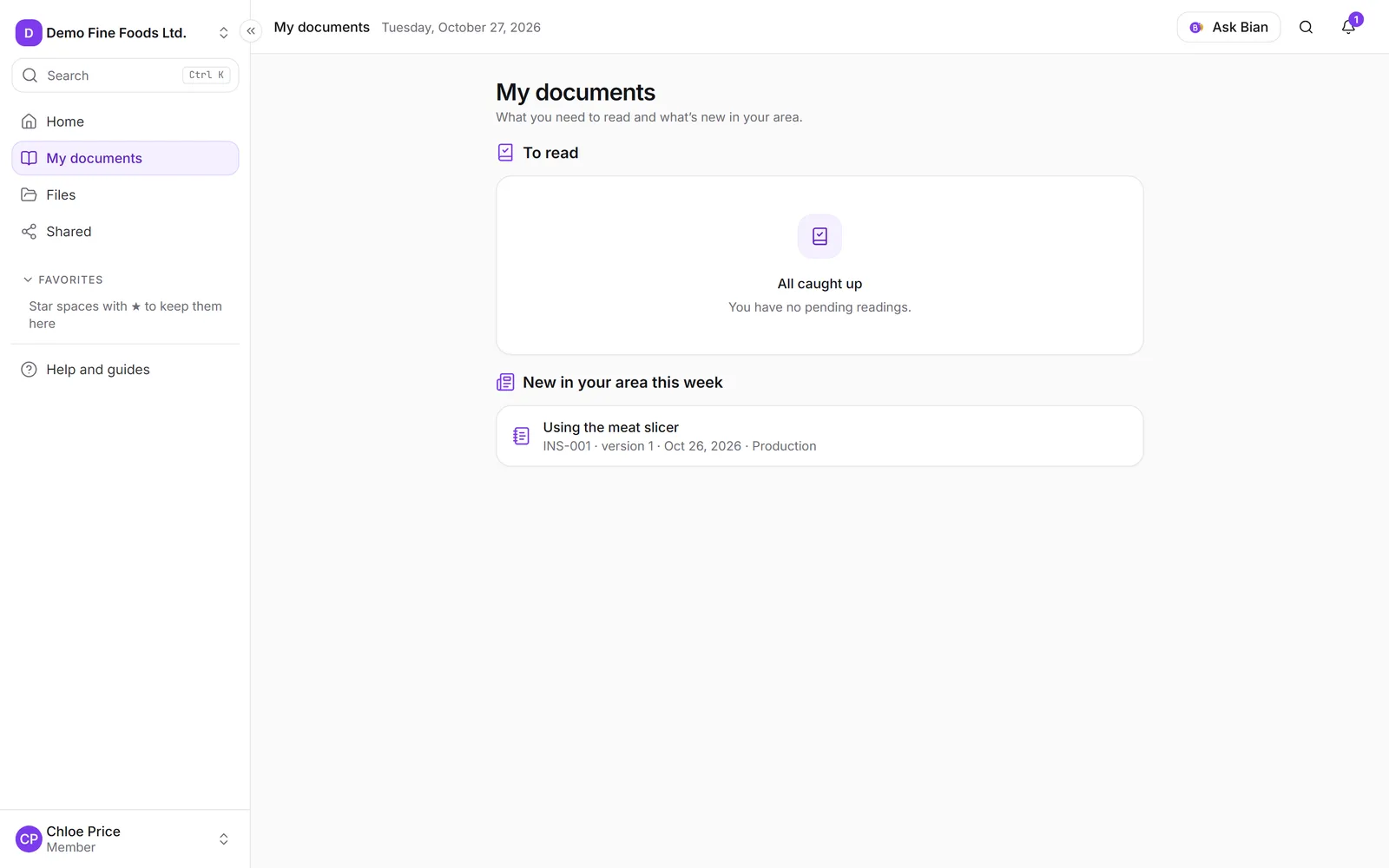
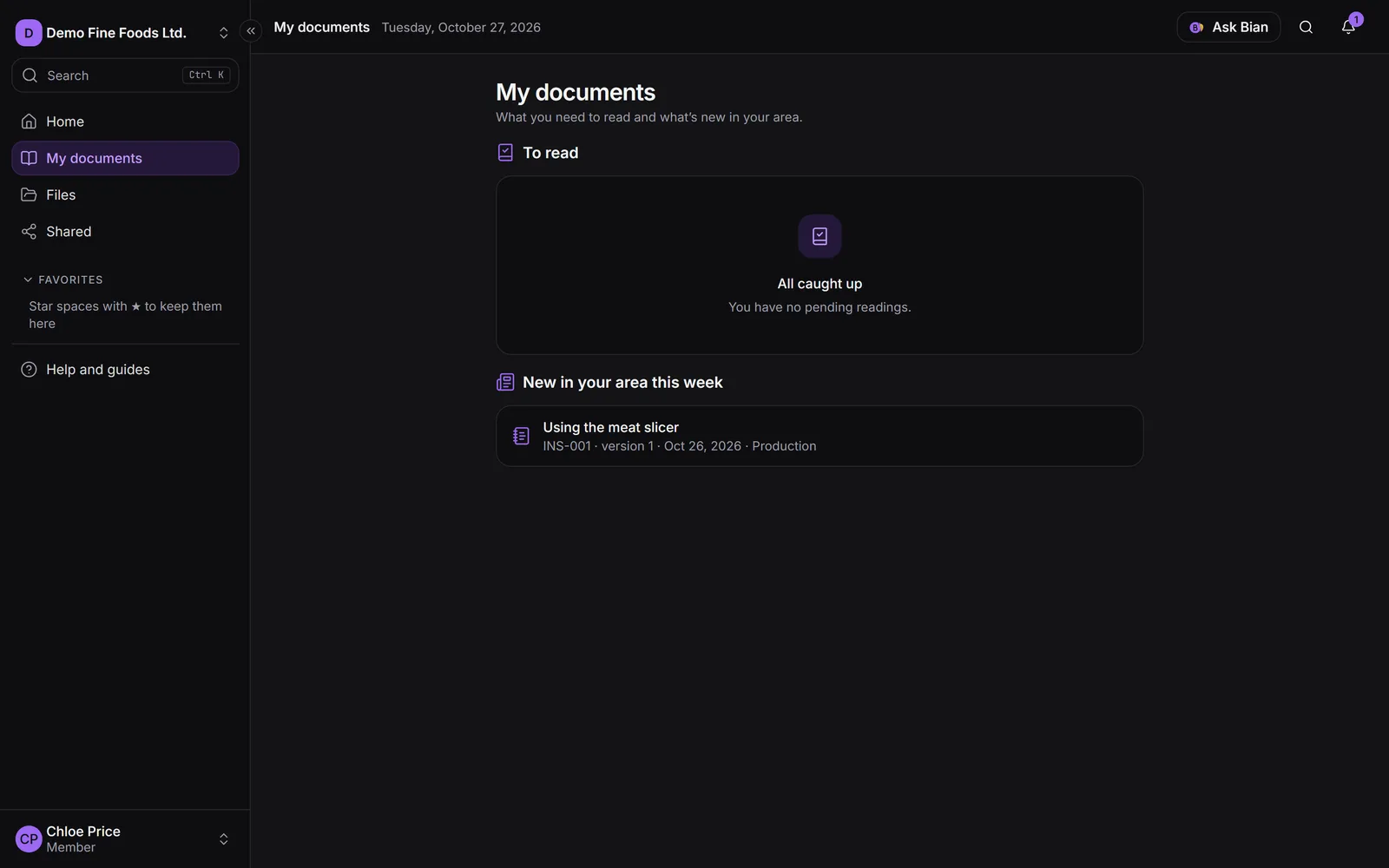
My documents is your personal list: what you need to read and what changed in your area, without having to look for it in folders. It’s in the side menu, below Home. People with a reader seat land here when they sign in.
To read
The required readings you still have to do, for the current version of each document. Each card shows the code, the version and the due date (“Due: …”, or “Was due …” in red if it has passed). The number next to the heading tells you how many you have.
- Click Open to read the document.
- Once you’ve read it, click I have read and understood. The reading disappears from the list.
If you have nothing pending, you’ll see All caught up.
New in your area this week
Versions published this week of documents whose responsible department is one of yours (or a parent area), as long as you can see them. It keeps you informed about new or updated procedures even if nobody asked you to read them.
Favorites and Recent
- Favorites: the spaces you starred in Files.
- Recent: the last documents (pages and files) you opened. It’s private: nobody else sees your visits.