 SpiderFolio
Administration
Set up Bian
Turn Bian on for the installation with the Anthropic key, enable it for the company and share the month's questions with per-person and per-department limits.
Bian is SpiderFolio’s assistant: it answers questions using the documents each person can already see, always citing its sources, and it never sees what the person can’t see. It runs on Claude, by Anthropic, through its API. Everyday use is covered in Bian; this guide is for whoever sets it up.
Bian has two switches, and both are needed:
- The installation: whoever runs the server gives SpiderFolio an Anthropic API key.
- The company: the owner or an admin turns it on and decides how many questions can be asked.
1. On the server: the Anthropic key
This is done by whoever runs the server, in the deploy/.env file:
BIAN_ENABLED=true
ANTHROPIC_API_KEY=<your Anthropic API key>-
Create a key in the Anthropic console (console.anthropic.com), in the account that will pay for the questions.
-
Set
BIAN_ENABLED=trueand paste the key intoANTHROPIC_API_KEY. -
Apply the change from the
deployfolder:docker compose up -dThe API and the worker are recreated with the new settings.
Keep in mind:
- If you set
BIAN_ENABLED=truewithout a key, the API doesn’t start and the log tells youANTHROPIC_API_KEYis missing. - Questions are billed to that Anthropic account, for every company on the installation. Each company can set a monthly total (see below); you can also set a spending cap in the Anthropic account.
- The key is a secret: never commit it to a repository or share it over chat.
- The worker prepares content for Bian in the background as it changes.
Every variable is described in Configuration.
2. In the company: Administration › Bian
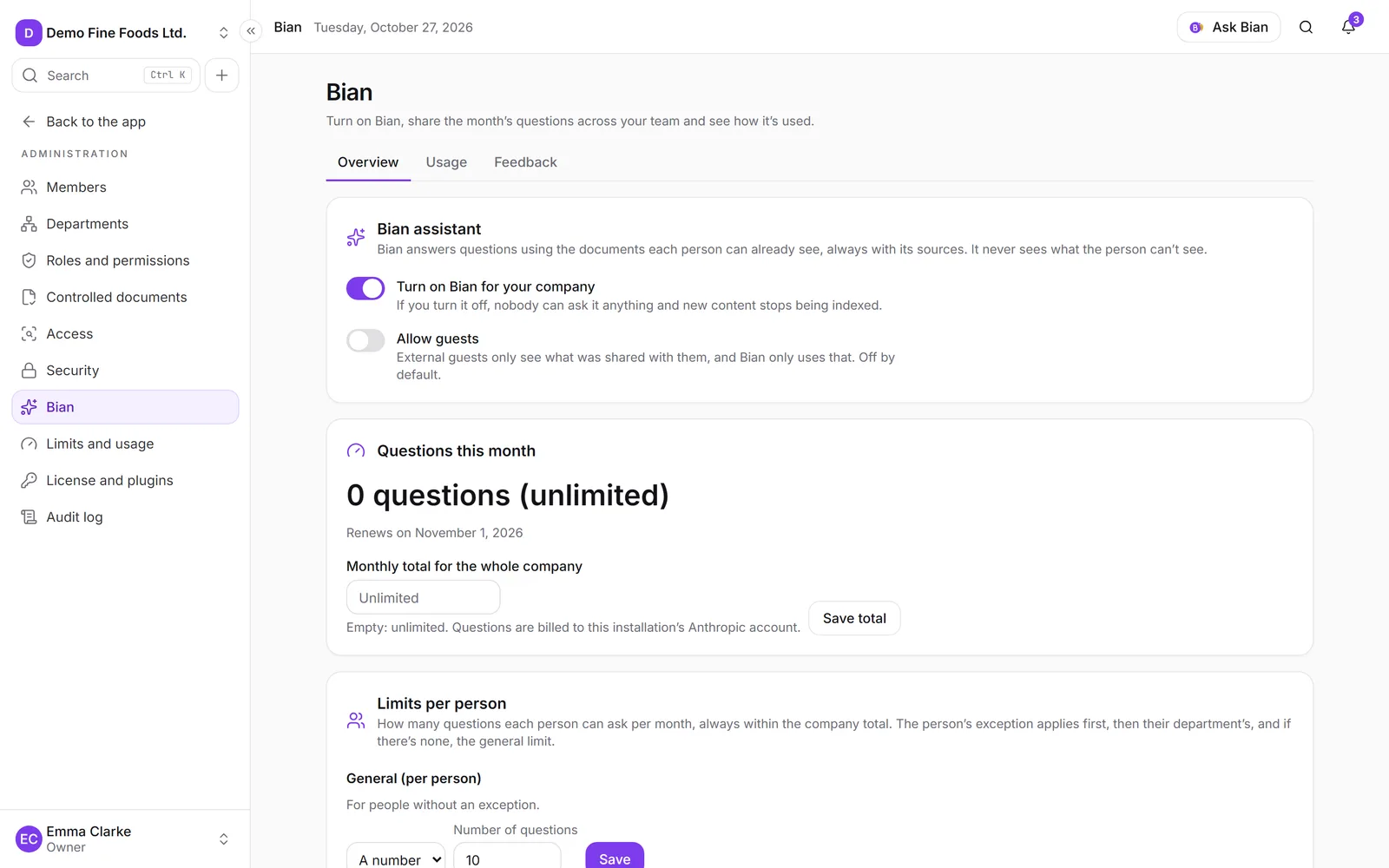
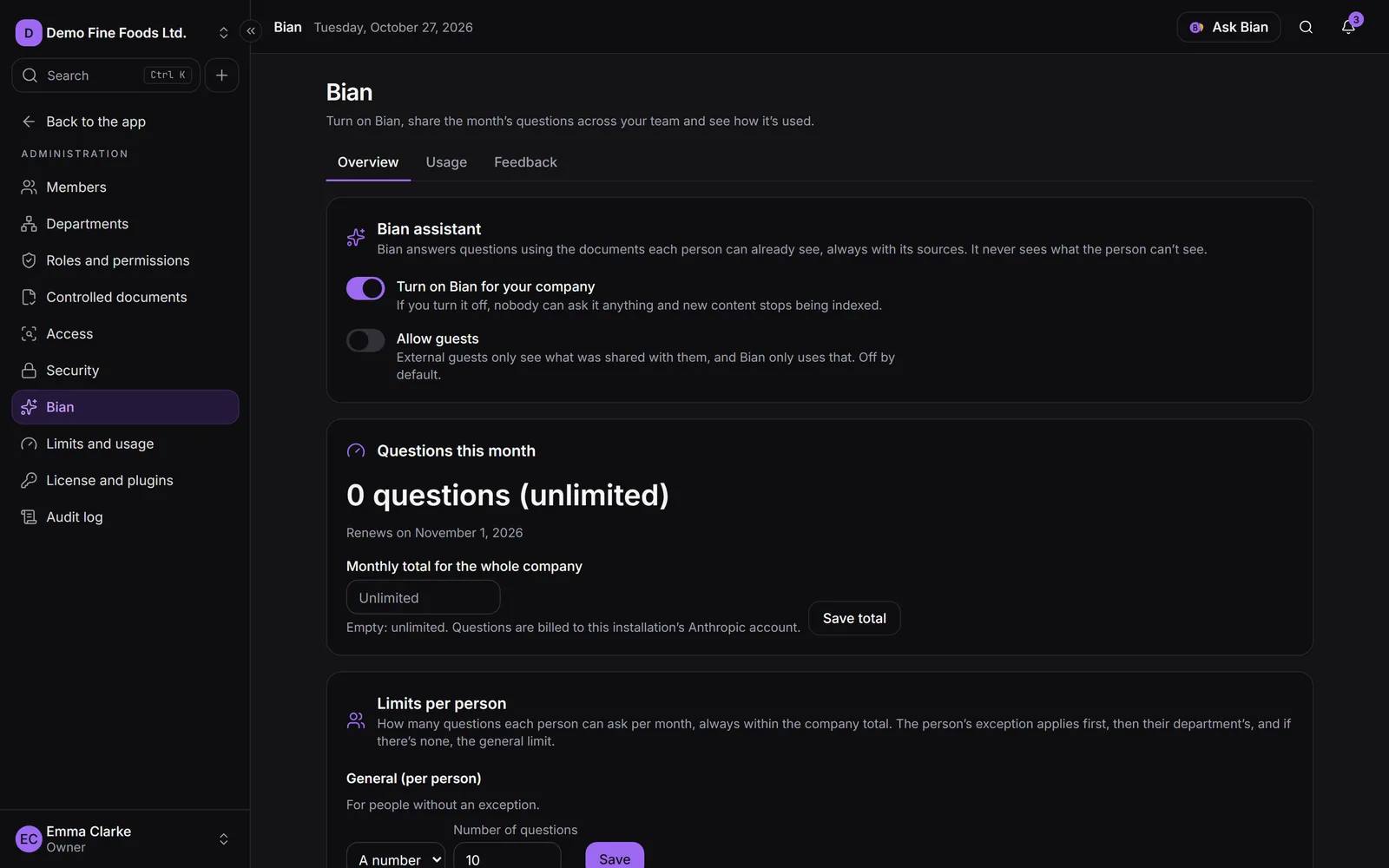
Click Administration and then Bian. It’s visible to anyone with Manage security or Company settings (the owner and admins have both). The screen has three tabs: Overview, Usage and Feedback.
Turn Bian on
In Overview, the Bian assistant card has two switches:
- Turn on Bian for your company: on by default. If you turn it off, nobody can ask it anything and new content stops being indexed.
- Allow guests: off by default. External guests only see what was shared with them, and Bian only uses that.
If the installation doesn’t have Bian (step 1), turning it on here isn’t enough: people will see that Bian isn’t available.
The company’s monthly total
The Questions this month card shows how many have been used and when it renews (on the 1st of each month).
- Under Monthly total for the whole company, enter a number. Empty means Unlimited.
- Click Save total.
When the company reaches the total, Bian pauses for everyone until next month, unless you raise it. It’s the same value as Bian questions per month in Limits and usage: change it in one place and it changes in the other.
Limits per person and per department
Under Limits per person you decide how much each person can use, always within the company total:
- General (per person): for people without an exception. Choose A number (questions per month) or Unlimited and click Save.
- Department exceptions: choose a department and the mode, then click Add. It applies to each person in that department.
- Person exceptions: choose a person and the mode, then click Add. There’s one extra mode here, No access, so that person can’t use Bian.
Which one applies: first the person’s exception, then their department’s and, if there’s none, the general one. If someone is in several departments with exceptions, the most generous wins. With no rules at all, each person can use whatever is left of the company total. To delete a rule, click Remove.
When a person reaches their limit, Bian tells them and offers Ask for more questions: whoever manages Bian gets a notification in the bell (once per person per month).
What counts as a question
Every question asked to Bian, every Summarize with Bian and every Draft with Bian. If Bian can’t answer because of an error, the question isn’t counted.
What is sent to Anthropic
Only passages from documents the person can see, at the time of the question, along with their question. Conversations aren’t stored in SpiderFolio. In Overview, the How Bian works card sums this up and links to Anthropic’s commercial terms and privacy policy.
Usage
The Usage tab shows how many questions each one asked this month, By person or By department, with their limit. Counts only: never the content of the questions or the answers. You can search and click Export CSV; the export is recorded in the audit log.
Feedback
People can mark each answer as Helpful (👍) or Not helpful (👎) and, if they want, give a reason: Incorrect information, Incomplete, Didn’t cite the right source or Other.
In Feedback you see the percentage of Helpful answers and the Cited documents table, with their 👍, 👎 and reasons. It helps you find confusing or outdated documents. Filter by Rating, by document and by date (From, To). Only the rating, the reason and the cited documents are stored: never the question or the answer.