 SpiderFolio
Administration
License and plugins
Load the license for commercial plugins, see which ones are active and what happens when a license expires.
SpiderFolio is open source and complete without plugins. Commercial plugins add features for companies that need them (for example, Advanced security policies: require two-step verification for the whole company and restrict invitations to your domains). They’re installed on your server and enabled with a license. The catalog is on the Plugins page.
Where to find it
In Administration › License and plugins. Only the company’s owner can see it.
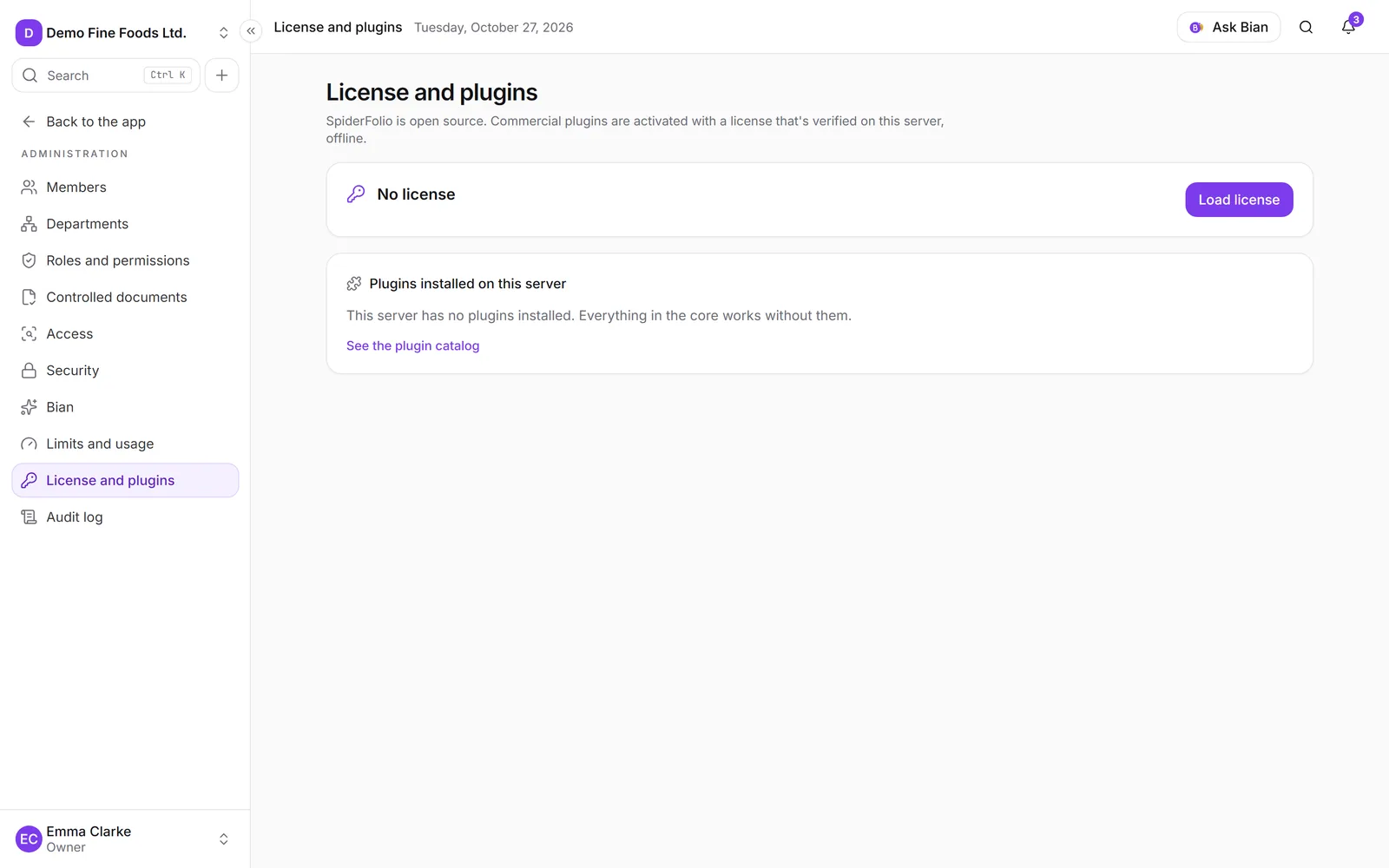
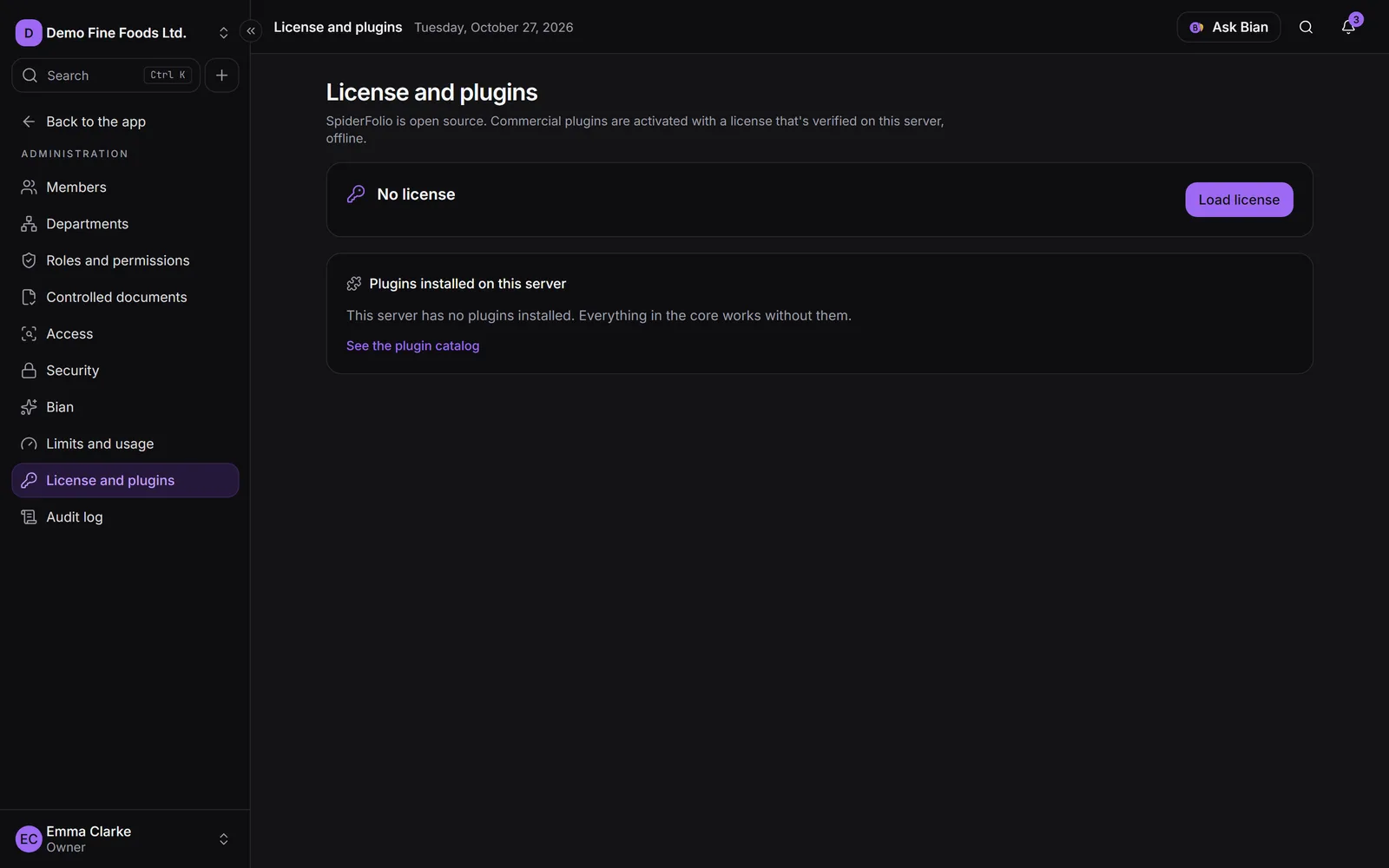
At the top you see the license status: No license, Valid license, Expired license or Invalid license, who it was issued to and when it expires (or No expiry).
Load the license
- Click Load license (or Replace license if there’s already one).
- Paste the full text we sent you: it starts with
SFL1.. - Click Save license.
The license is verified on your own server, with no internet connection. An invalid or already expired license is rejected. It belongs to your company: if the installation hosts several companies, each one loads its own.
The server’s plugins
Under Plugins installed on this server you see each plugin with its status:
- Active: it’s installed and your valid license includes it.
- In the license (expired): your license includes it, but it has expired.
- No license: it’s installed, but your license doesn’t include it.
If the list says “This server has no plugins installed,” they need to be installed first. That’s done by
whoever runs the server: copy the plugin into the plugins/ folder and rebuild the image (docker compose build && docker compose up -d), or install it as a package and add it to PLUGIN_PACKAGES. Its migrations
run on their own at startup.
An active plugin can add:
- Its own section in Administration (for example, the advanced security policies, owner only).
- New capabilities in the Plugins group of Roles and permissions. The owner has all of them; for someone else to use them, give them a custom role that includes them.
If the license expires
The plugins in that license stop applying and SpiderFolio keeps working the same. Their settings are kept: when you load a new license they apply again exactly as they were.
For example, with Advanced security policies expired, the company no longer requires two-step verification for everyone; whoever already had it turned on keeps using it.
Remove the license
Click Remove license and confirm. The plugins stop applying in your company and their settings are kept in case you load it again.
Loading and removing the license is recorded in the audit log, with who it was issued to, which plugins it includes and its expiry date (never the license text).