SpiderFolio
For users
Bian, the assistant
Ask Bian and it answers with the current documents you can see, citing its sources; it also summarizes, explains changes and drafts pages.
What it’s for
Bian is SpiderFolio’s assistant. You ask in your own words (“How do I request time off?”) and it answers with what your company’s documents say, always with its sources. It can also summarize a document, explain what changed between versions and put together a first draft of a page.
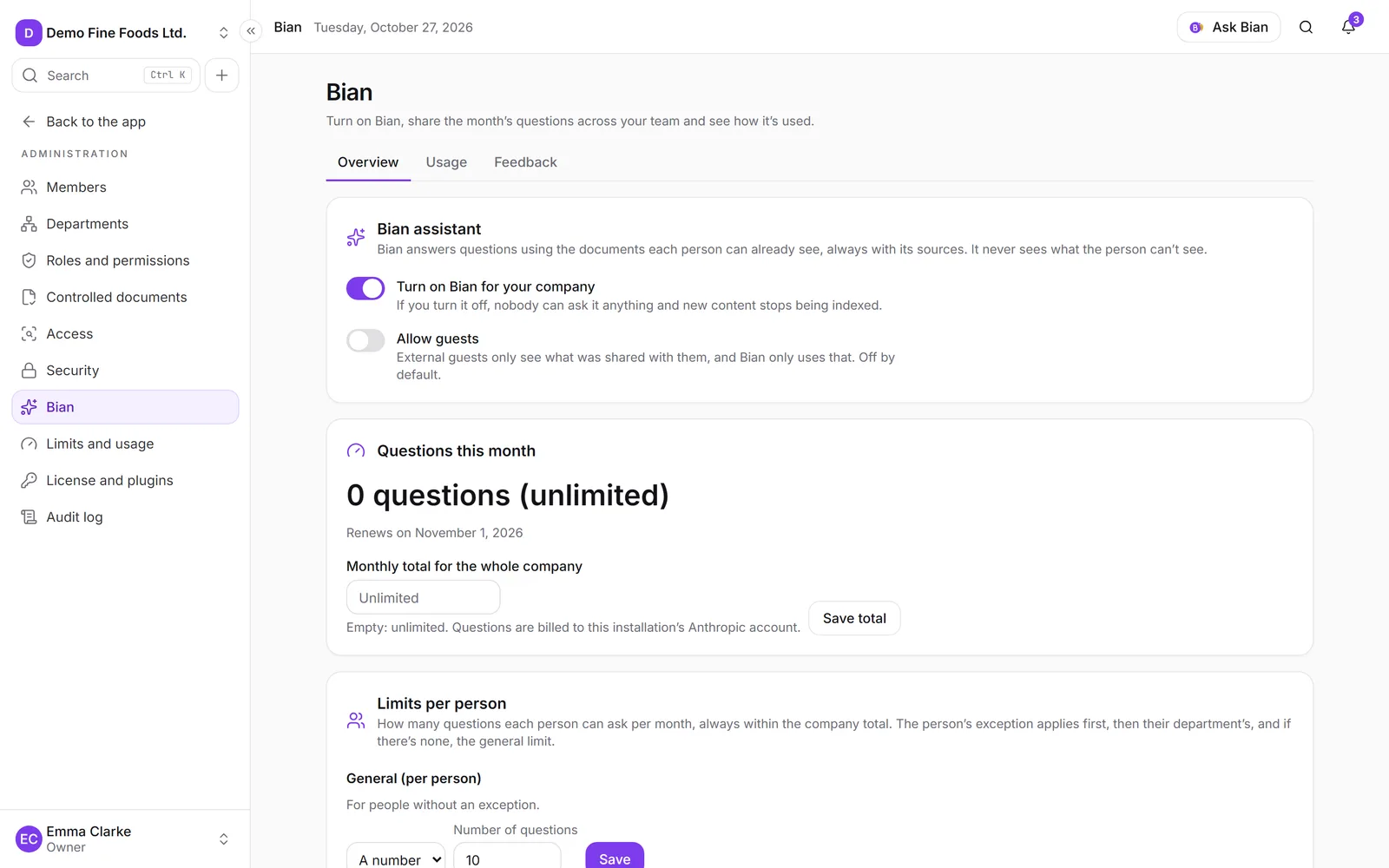
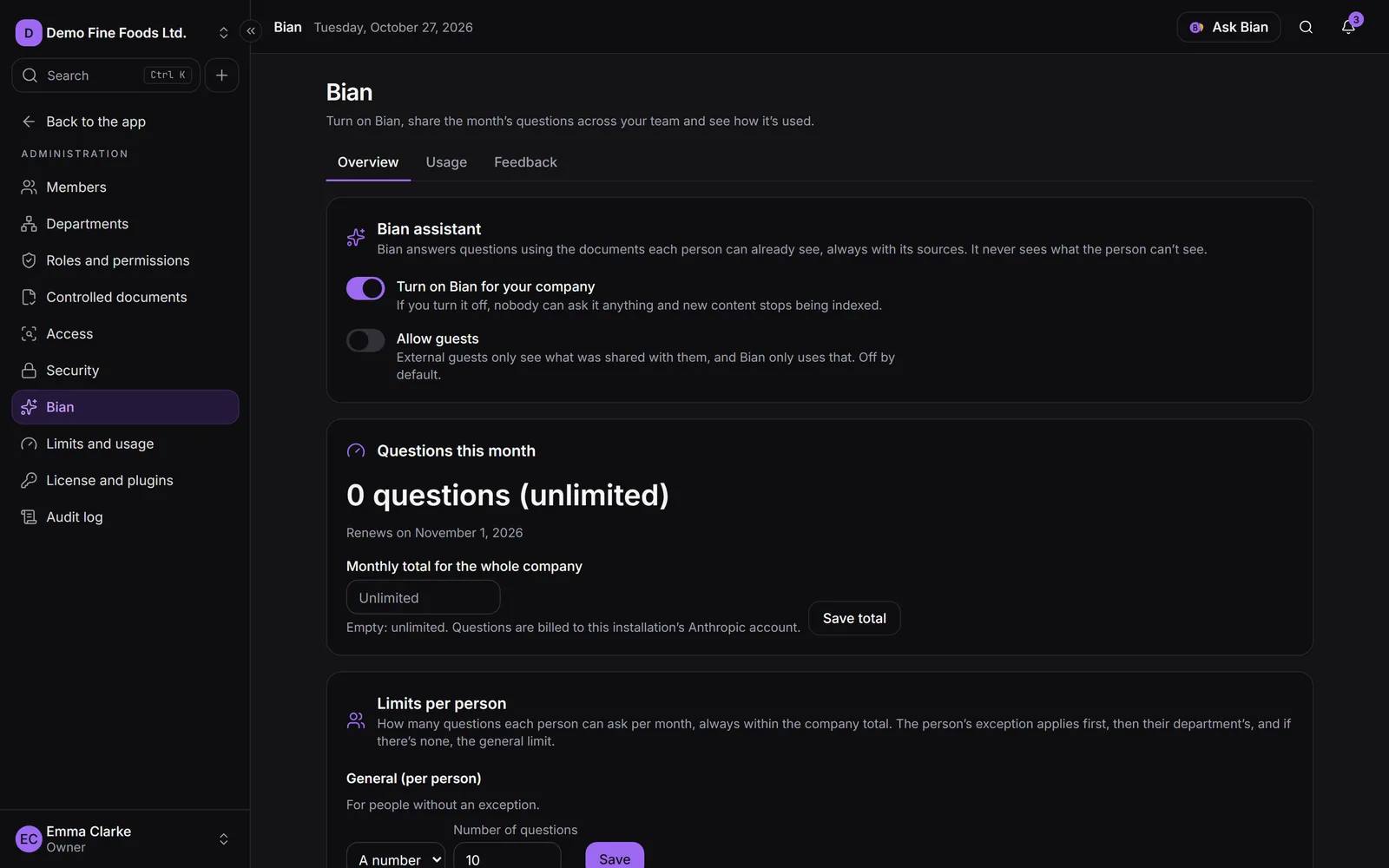
Bian runs on Claude, by Anthropic. Your company decides whether to use it and how many questions each person gets (see Bian setup).
What Bian sees
Bian only uses what you can see, with your own permissions. It never sees what you can’t, so two people with different access may get different answers to the same question.
- For a controlled document, only the current version: never drafts, versions in review or obsolete versions.
- For a page without control, its current content; for a file, the text of its current version (PDF and Word).
- For controlled documents it also knows their details: code, type, current version, effective date, who approved it, responsible department and next review.
- It doesn’t use anything in the trash, or the text of a scan (an image without text).
Instructions someone writes inside a document are treated as text, not as commands for Bian.
Ask
You can open Bian in several ways:
- The Ask Bian button in the top bar.
- The Ask Bian box on Home: type and click Ask.
- In search (Ctrl+K), the Ask Bian action.
- Type your question and click Send. If you’re not sure where to start, Bian suggests questions about the documents you opened recently.
- While it works you’ll see “Searching your documents…” and then “Writing…”. You can click Stop.
- Keep asking in the same conversation: Bian takes what came before into account. New conversation starts from scratch.
Under each answer you can Copy answer or Ask again. Conversations aren’t stored in SpiderFolio.
Sources
Each answer ends with Sources: the documents it used, with their version (marked current) and how many passages it took from each.
- Show the passages displays the exact text it relied on. If it comes from a table, it shows only the rows related to your question.
- Open the document with the passage highlighted takes you to the exact spot in the document.
If Bian can’t find the answer in your documents, it says so (“I couldn’t find this in your documents.”) instead of making it up. If it finds something partial, it tells you and suggests trying other words or opening the document.
Summarize and explain changes
From a page’s More actions, or from a file’s menu:
- Summarize with Bian: a summary of the document’s current version.
- What changed, with Bian: for a controlled document with more than one version, it explains what changed between them.
Draft with Bian
To start a new document without a blank page:
- Create a New page (see Pages) and choose Draft with Bian.
- Choose the Document type (one of the templates, or Free form (no template)).
- Under Your notes, explain what it should say: goal, steps, who’s responsible, deadlines…
- Click Write draft.
Bian creates a new page with a notice at the top: it’s a draft for you to review. It isn’t published or sent for review, and anything missing is left in brackets for you to fill in. You need to be able to edit in that folder.
Rate the answers
Under each answer, Helpful or Not helpful. If it wasn’t helpful, you can say what went wrong: Incorrect information, Incomplete, Didn’t cite the right source or Other. That way whoever manages Bian knows which documents should be improved.
Only the rating, the reason and the cited documents are stored: never the question, the answer or who rated it.
Limits
Each company has a monthly total of questions and can set a limit per person. At the bottom of the panel you see how many you have left (“18 of 20 left this month”).
- Every question, every Summarize with Bian and every Draft with Bian counts as one question. If Bian can’t answer because of an error, it isn’t counted.
- If you reach your limit, click Ask for more questions: the Bian admins are notified.
- If the company reaches its monthly total, Bian pauses until next month, unless the total is raised.
- External guests can only use Bian if the company allows it, and then only with what was shared with them.
Whoever manages Bian shares out the questions and sees usage and feedback in Administration › Bian: